01 / FINANCIAL DOCUMENTS
Todl
Less paperwork.
More clarity.
Todl turns receipts and financial documents into structured records you can review and organize. Its mobile workflow combines AI-assisted extraction with editable details and records grouped by tax year.
The project bio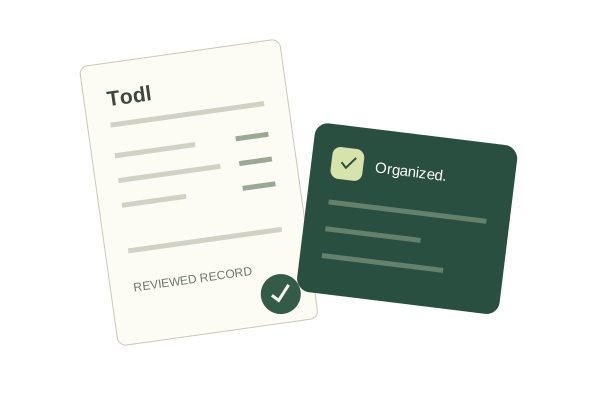
AT A GLANCE
The project bio.
Purpose. Decisions. Evidence.
- 01 Goal
- Reduce manual receipt entry and make financial documents easier to find, correct, and organize.
- 02 Technologies
- React Native and TypeScript; Node.js and Express; PostgreSQL with Prisma; Gemini for document extraction.
- 03 Development approach
- Rapid prototyping followed by iterative improvements, using automated checks and Android/iPhone feedback to guide releases.
- 04 Technical approach
- A mobile client connects to an authenticated backend. The backend extracts document information, validates changes, and stores account-specific records.
- 05 Programming style
- Component-based interfaces with React hooks, typed data contracts, functional helpers, and service classes for backend responsibilities.
- 06 Testing
- Automated upload, date, receipt-review, and session-storage checks; synthetic live extraction and persistence checks; Android launch checks and iPhone testing feedback.
- 07 Security measures
- Authenticated ownership checks, protected native session storage, encryption for new document payloads and originals, duplicate detection, and upload/request limits.
- 08 Status
- Android internal testing and iPhone TestFlight releases. Continued refinement through hands-on testing and user feedback.
A WORKFLOW IN FOCUS
One photo.
Separate receipt records.
Choose Photos handles both ordinary uploads and photos containing several receipts. When several are detected, users review the individual results before saving.
- 01
Choose
Select photos through the same familiar upload option.
- 02
Review
Check each detected merchant, date, and amount. Correct or deselect entries.
- 03
Save
Save selected receipts as distinct records with their corresponding years.
Checked with synthetic documents. Recorded live tests read five receipts from one photo, saved five reviewed transactions, and confirmed persistence, duplicate protection, and individual deletion.
FEEDBACK INTO RELEASES
The details
make the difference.
- Keep the workflow familiar.Multi-receipt review belongs within Choose Photos, rather than a separate scanning option.
- Let corrections carry through.A changed receipt date updates its tax year; tests check that the correction survives a new login.
- Test the whole record lifecycle.Checks go beyond extraction to saving, reopening, duplicate handling, and deletion.